Please Wait.......Good Day

Sanjeevani Hospital Road,Kotputli(303108) dctkotputli01@gmail.com
Note : Take your career to new heights with IT courses!

MS Office Course - Microsoft Office Suite Training

Learn Word, Excel, PowerPoint, Outlook, Access, Advanced Excel & VBA
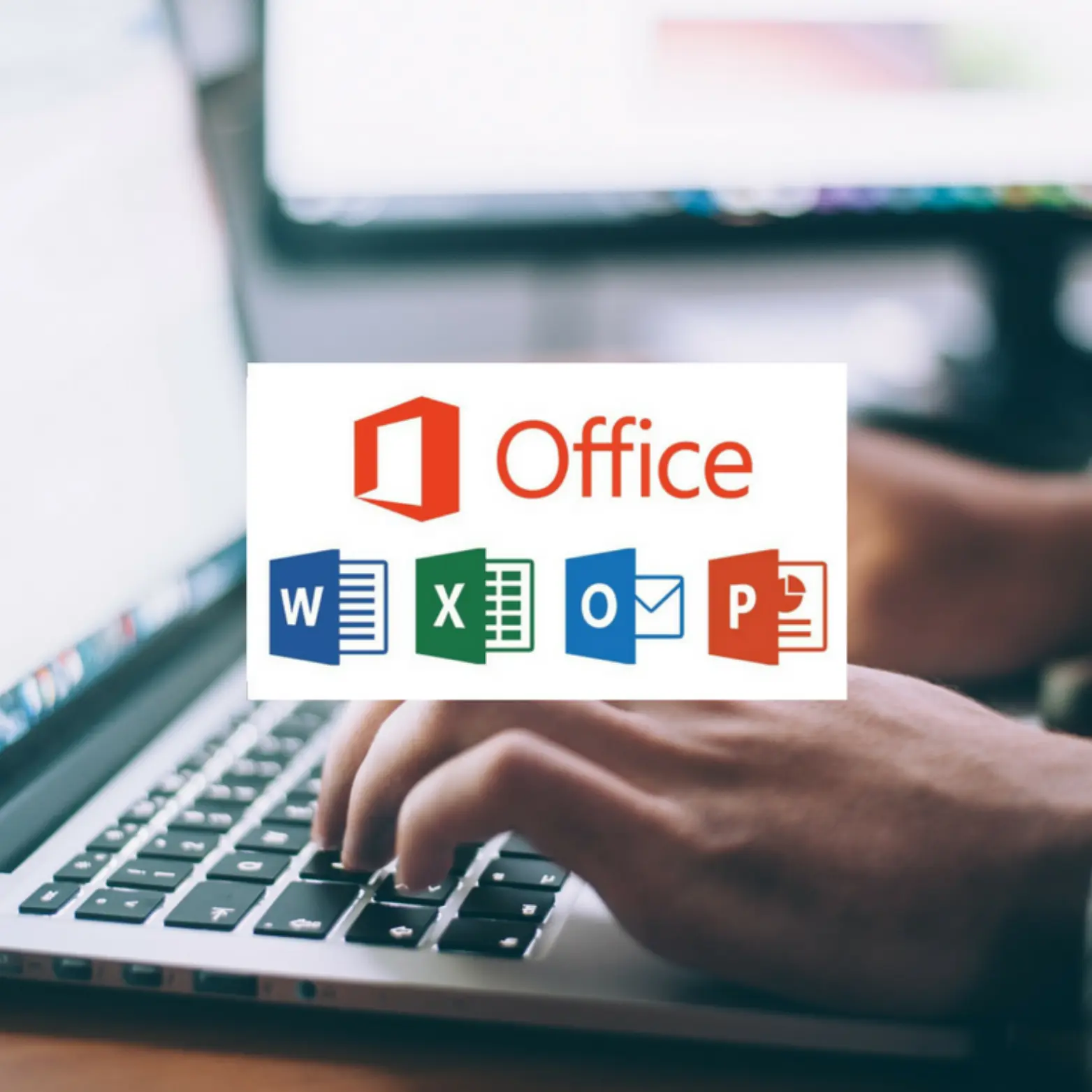
MS Office Course Training in Kotputli - Digital Computer Technology

About MS Office Course

MS Office Course in Kotputli - Microsoft Office Suite training. Learn Word, Excel, PowerPoint for professional productivity with 100% placement support at Digital Computer Technology.

At Digital Computer Technology, we offer comprehensive MS Office training with expert faculty, modern computer labs, and 100% placement support. Our MS Office course in Kotputli is designed to help students master the skills needed for a successful career.


Course Syllabus

Module 1 – MS Word
  • Creating, editing, saving and printing text documents
  • Font and paragraph formatting
  • Simple character formatting
  • Inserting tables, smart art, page breaks
  • Using lists and styles
  • Working with images
  • Using Spelling and Grammar check
  • Understanding document properties
  • Mail Merge
Module 2 – MS Excel
  • Spreadsheet basics
  • Creating, editing, saving and printing spreadsheets
  • Working with functions & formulas
  • Modifying worksheets with color & autoformats
  • Graphically representing data : Charts & Graphs
  • Speeding data entry : Using Data Forms
  • Analyzing data : Data Menu, Subtotal, Filtering Data
  • Formatting worksheets
  • Securing & Protecting spreadsheets
Module 3 – MS PowerPoint
  • Opening, viewing, creating, and printing slides
  • Applying auto layouts
  • Adding custom animation
  • Using slide transitions
  • Graphically representing data : Charts & Graphs
  • Creating Professional Slide for Presentation
Module 4 – Internet
  • Understanding how to search/Google
  • Bookmarking and Going to a specific website
  • Copy and paste Internet content into your word file and emails
  • Understanding social media platforms such as Facebook & Many more
  • Learn with best practices
Module 5 – Microsoft Office Outlook
  • Manage the Outlook environment for productivity
  • Customise settings
  • Print and save information
  • Perform search operations in Outlook
  • Configure mail settings
  • Create messages, Format a message
  • Organise and manage messages
  • Create and manage calendars
  • Create appointments, meetings and events
  • Organise and manage appointments, meetings and events
  • Create and manage notes and tasks
  • Create and manage contacts
  • Create and manage contact groups
Module 6 – MS Access
  • Introduction to MS Access
  • Table in Design view
  • Table by Using Wizard
  • Data base, Tables Creations
  • Forms, reports, queries
Module 7 – Advanced Excel
  • Vlookup and Hlookup
  • Sumif, count if function
  • Attendence sheet calculations
  • Conditional formatting
  • Fill series, growth
  • Go to special, Cell Data types
  • Pivot table
  • Insert excel sheet to word
  • Define name, Date functions, Maths functions
  • Advanced filter
  • Text to column, Remove duplicates
  • Consolidations
  • Goal Seek, pmt function
  • Record macro
  • Payroll
  • Print settings
  • Protect worksheet
Module 8 – VBA (Visual Basic for Applications)
  • About Macro
  • Create and run Macro
  • Save Macros
  • Difference between macro and vba
  • Insert Developer tab
  • VBA introduction
  • The concepts of variables, Explicit variables
  • Values to variables
  • Formatting Cells
  • Delete or insert sheets
  • User input for calculations
  • Arithmetic Operations
  • MsgBox Function
  • If then else, If and if, Else if
  • For loop, Do loop
  • Select case
  • Insert values to cells
  • Insert List Box, Combo Box
  • Create buttons, check box
  • User forms
  • Create, delete file
  • Adding and subtracting dates
  • BMI Calculator
  • EMI calculator
  • Prime number Tester
  • Create Custom functions

Career Opportunities

  • Office Assistant
  • Data Entry Operator
  • Administrative Assistant
  • Secretary
  • Receptionist
Course Information
  • Course Fees: ₹ 2,000/-
  • Duration: 1 Month
  • Certificate: Certificate of Completion
  • Batch Size: Limited Seats
  • Batch Timings: Flexible
  • Mode: Offline/Online
Why Choose DCT?
  • Expert Faculty
  • Modern Computer Lab
  • Free Internet & AC Classroom
  • 100% Placement Support
  • Study Material Included
  • Mock Tests & Practice